AI-Native App Development in Rwanda and Africa
Custom applications for field operations, document workflows and organisational systems.
GBOX designs and develops custom mobile and web applications for organisations that need to replace fragmented forms, documents, spreadsheets and manual processes. Where it adds practical value, AI is embedded into the workflow from the beginning.
- Mobile-first apps for field teams, citizens, staff and customers
- Offline capture and safe sync for low-connectivity environments
- Document AI, assistants, analytics and computer vision where useful
- Backend, dashboards, roles, audit logs and integrations included
- Deployment options for ownership, governance and data-location needs
Tell us about the workflow you want to improve. We will review the users, data, integrations, offline needs and the most practical starting point.
What is AI-native app development by GBOX?
AI-native app development by GBOX means building custom applications where artificial intelligence is embedded into the core workflow — not added later as a separate feature. The application can read documents, guide users, validate information, flag risks, support decisions and connect to existing systems. GBOX delivers the full product: mobile app, web app, backend, integrations, deployment support and documentation.
AI capabilities built into applications
- Document AI (OCR): Extract, classify, and validate data from permits, invoices, IDs, and forms
- Conversational Assistants: Chatbots for field officers, citizen service bots, internal teams
- Predictive Analytics: Risk scoring, demand forecasting, anomaly detection
- Computer Vision: Image and video analysis for quality checks and asset monitoring
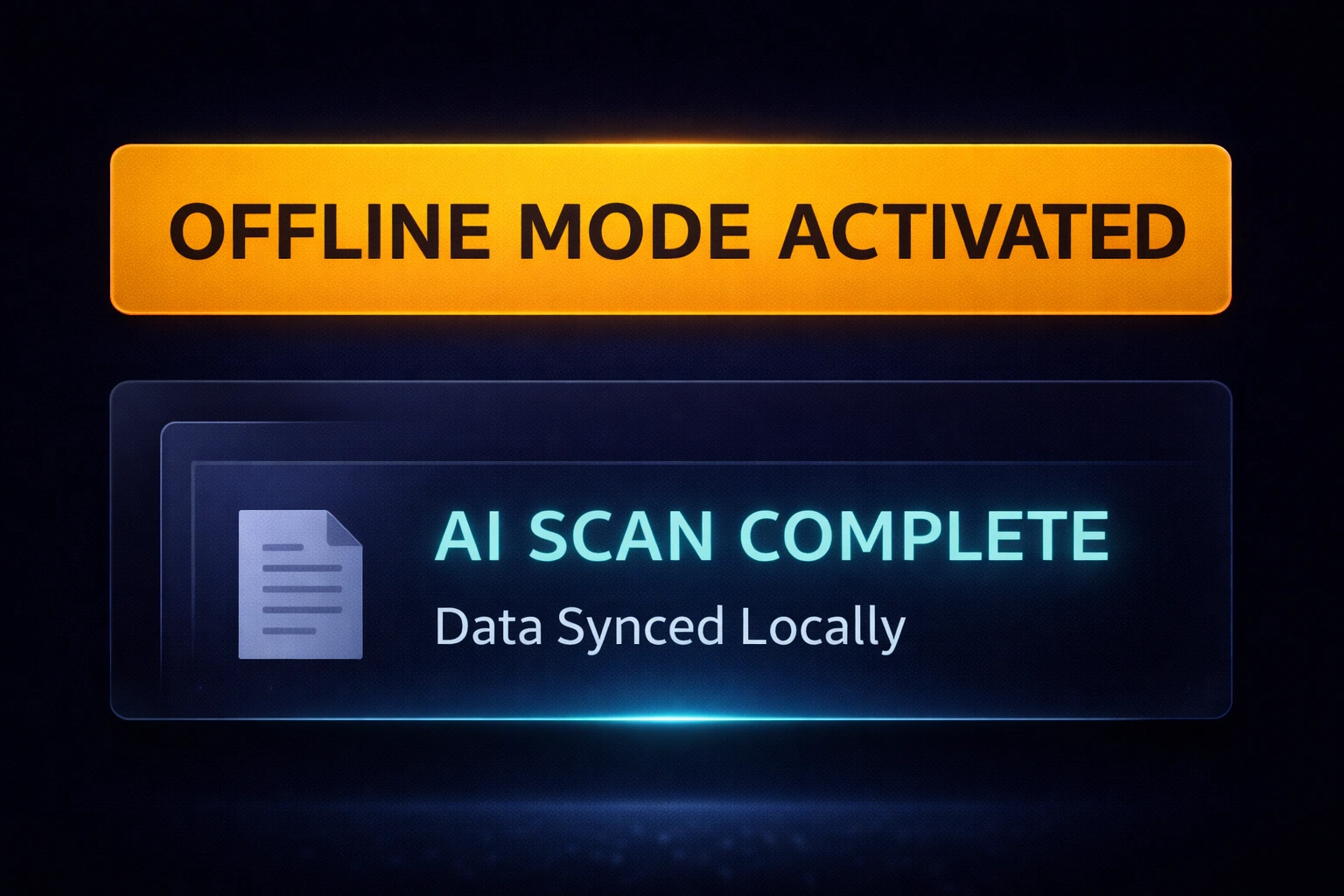
- Offline-First Mobile: Capture and sync when connectivity returns
Why AI-native matters in Africa
Most enterprise software is built for stable internet and single-system environments. GBOX builds for African deployment realities: inconsistent connectivity, mobile-first usage, multilingual teams, document-heavy operations, public-sector and enterprise integrations, governance needs and long-term maintainability.
In Simple Terms
AI-native means the AI is built into the actual work people do. The app can read documents, guide users, check errors, prepare decisions and still support field work where internet access is weak.
What AI-native apps can do
AI-native apps are custom systems where AI is built into the architecture, the user journey and the operational workflow.
Document AI (OCR)
Extract, classify and validate information from documents before it enters the workflow.
Examples: permits, invoices, IDs,
forms.
Conversational assistants
Assist staff, citizens or customers with guided answers, workflow steps and escalation paths.
Examples: field officer assistant, citizen
service bot.
Predictive analytics (ML)
Forecast, score, detect unusual records and support human decision-making.
Examples: risk scoring, demand
forecasts.
Computer vision
Analyze images or video for inspection, evidence review and operational monitoring.
Examples: quality checks, asset
monitoring.
We build the full application around these capabilities. That includes mobile, web, backend, data structure, review workflows, integrations, deployment and handover.
Operational problems we help organisations solve
Custom development is most useful when an important workflow is fragmented, cannot operate reliably in the field or must connect several systems.
Common problems
- Disconnected field reporting: forms, photos and updates arrive through paper, spreadsheets and WhatsApp
- Unreliable connectivity: staff cannot complete essential work when the internet drops
- Manual document entry: teams repeatedly type information from invoices, permits, IDs and forms
- Slow approvals: requests move between people without clear status, ownership or audit history
- Disconnected systems: portals, ERPs, identity systems and document platforms do not share the required workflow
When this service is a good fit
GBOX supports organisations that need a custom operational system rather than a standard standalone tool:
- Government agencies: Digital services, citizen portals, permits and inspections.
- Large enterprises: Operations automation, document workflows and reporting.
- SMEs and startups: MVPs with AI features and rapid iteration.
- NGOs: Field data capture, beneficiary workflows and impact tracking.
- Strong fit: when the project needs offline use, integrations, approvals, dashboards, audit history or custom ownership arrangements.
If a standard product already meets the workflow, GBOX can identify that during discovery. AI is included only where it improves a defined task or decision.
How we deliver (End-to-End Model)
Discovery
We confirm users, workflows, data, AI use cases, integrations, success metrics and constraints.
Output: requirements doc + feasibility
UX/UI Design
We design mobile-first user flows, screens, dashboards, review steps and admin journeys.
Output: approved
prototype + design system
Build
We develop the app, backend, database, AI modules, APIs, offline logic and integrations.
Output: working application + docs
Deploy
We run UAT, security checks, launch support, monitoring setup, documentation and training.
Output: production release + support
plan
Built for offline and low bandwidth
This is not an add-on. It is part of the product architecture from day one.
- Offline capture + background sync: Data stored safely and sent when connected.
- Conflict rules: App handles edits from multiple users.
- Local storage encryption: Sensitive data protected on device.
- Low-bandwidth UI: Compressed assets, simple flows.
- Android-first: Battery, storage and performance optimization.
- Sync visibility: Users know what is saved, pending or submitted.
Example workflow (illustrative)
Consider a regional organisation whose teams collect field records across locations with limited or inconsistent connectivity.
Possible approach: a mobile-first application could let authorised users capture records and evidence offline, store them securely on the device and sync them when connectivity returns. Defined validation rules or AI-assisted review could flag incomplete records for human review.
Engagement options
- Initial project-fit discussion
A short conversation to understand the organisation, operational problem, intended users, current process and decision stage. - AI App Feasibility and MVP Assessment
A separately agreed engagement to validate the workflow, AI use case, data readiness, integrations, security and deployment needs before development. - End-to-End AI-Native App Development
For organisations ready to design, build, integrate, test, deploy and support a custom AI-native mobile or web application. - MVP to scale
Start with one clear workflow, pilot with real users, improve from feedback, then expand to more teams, regions or integrations.
What the feasibility assessment can define
- Current workflow, users and operational problem
- Recommended MVP boundary and exclusions
- AI feasibility, data needs and human-review points
- Offline, integration and dependency requirements
- Security, hosting and deployment considerations
- Pilot roadmap, risks and indicative development scope
Exact deliverables are confirmed in the assessment proposal so they match the project and procurement requirements.
Frequently Asked Questions
Is it fully custom from scratch?
The application is designed around the agreed workflow, users, data and integrations. Development may use appropriate open-source libraries, cloud services, AI models and licensed components. The proposal identifies important third-party dependencies and the custom deliverables GBOX will create.
Can it run offline?
Yes, when offline operation is included in the agreed scope. We define which actions work offline, how information is stored on the device, when it syncs and how failed or conflicting updates are handled.
How do integrations work?
GBOX reviews the available APIs, authentication, data fields, permissions and operational dependencies for systems such as ERP, identity, document-management and payment platforms. Feasibility depends on authorised access and the capabilities of each external provider.
Who owns IP and source code?
Ownership, source-code access, handover and reuse rights are defined in the project agreement. Custom deliverables can be transferred to the client as agreed, while third-party libraries, platforms, models and services remain subject to their own licences and terms.
What is the difference between AI-native apps and standard apps with AI features added?
In a standard app with AI added, the AI module is a bolt-on: it operates separately and must be manually triggered. In an AI-native app, AI is embedded in the workflow — for example, a permit form can extract data from an uploaded document and present it for review before the user continues. The appropriate design depends on the workflow, data quality, risk level and need for human approval.
How does GBOX handle low-connectivity deployment for field teams?
GBOX builds offline-first architecture from the start. Field officers can open the app, fill forms, capture images, and submit records without any internet connection. The app queues all entries locally and syncs to the server when connectivity returns. Conflict resolution logic handles cases where the same record is updated by multiple users while offline.
How should we start if the idea is not fully defined?
Begin with an initial project-fit discussion. If the opportunity is suitable, GBOX can propose an AI App Feasibility and MVP Assessment covering the workflow, users, data, AI use case, integration needs, risks and minimum useful pilot scope.
What affects the cost of development?
Cost depends on user roles, workflows, mobile and web requirements, AI modules, offline capability, integrations, security, deployment model, testing, training, documentation and support. GBOX confirms the fee and payment terms after the required scope and dependencies are understood.
What the GBOX delivery model can include
- Mobile or web application, backend services, dashboards and integrations within the agreed project scope.
- Offline capture, secure local storage, sync queues and conflict handling when field operation is required.
- Document AI for extracting and classifying information, with validation and human review appropriate to the workflow.
- Role-based access, audit history and deployment options based on the organisation's security and hosting requirements.
- Project scoping and feasibility discussion through WhatsApp on +250-730-007-007.
- Planning resources: Read our guides on what AI-native app development means, offline-first mobile apps, government AI apps, NGO AI apps, security and data location, and AI MVP planning.
Have a workflow that may need a custom AI application?
Tell GBOX about the organisation, users and operational problem. We will use the first discussion to determine the most practical next step.